Export Plan
Click the Export Plan button to export files for protection, failover, and failback plans. The exported files can be saved or modified and then used to execute plans.
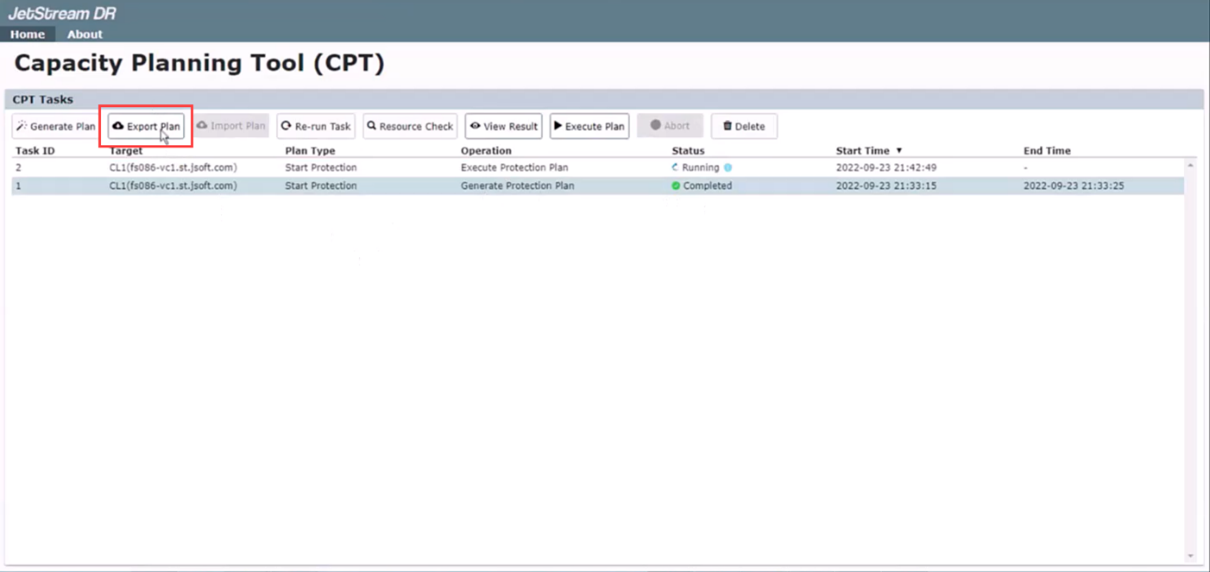
- Select a plan from the task list on the Home screen.
- Click the Export Plan button.
- Exported files will be written to individual folders under the directory jetdr/plans/.
Also see: